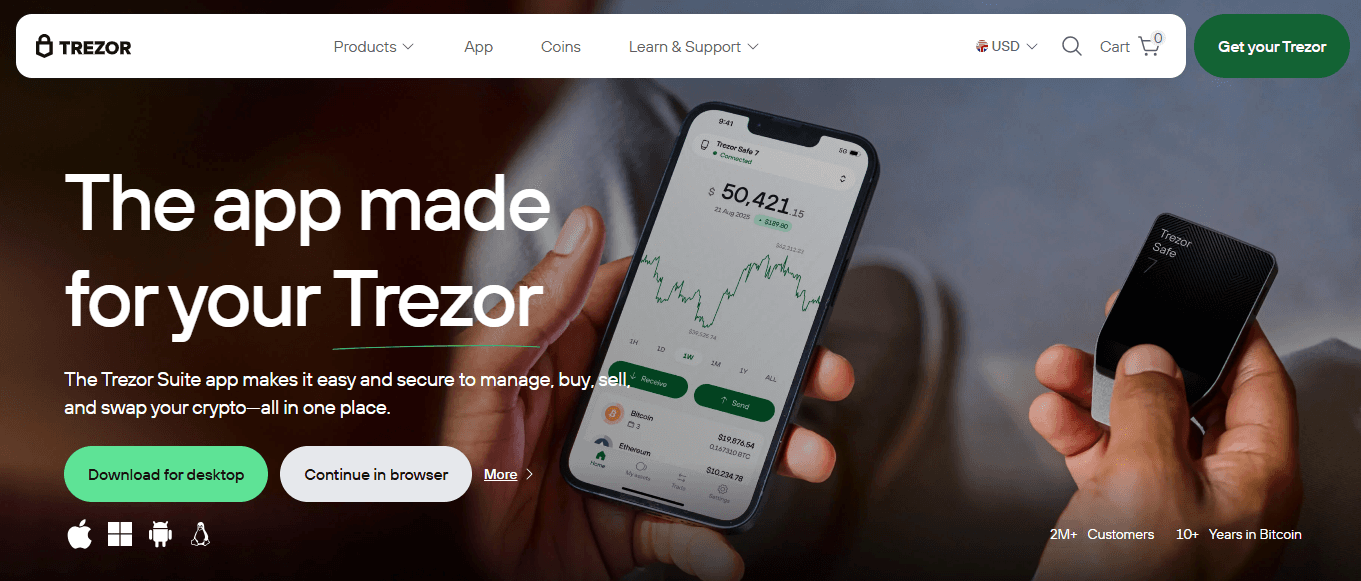
Trezor.io/start – Welcome to Your New Hardware Wallet
Set up your Trezor Safe 3 or Trezor Safe 5 in minutes and take full control of your Bitcoin, Ethereum, USDT, and over 10,000 cryptocurrencies.
✅ You’re on the official trezor.io/start page
Only use https://trezor.io/start or the official Trezor Suite app. Never trust links from emails, DMs, or ads.
📦 Step 1: Unbox Your Trezor Safely
Open the security seal and check that everything is brand new:
✅ Trezor Safe 3 or Safe 5 device
✅ USB-C cable (Safe 5) or USB-C to USB-A (Safe 3)
✅ Recovery seed cards (blank!)
✅ Getting Started booklet
✅ Trezor stickers 😎
⚠️ Warning: If the device looks used, the seed cards are pre-filled, or the hologram seal is broken → STOP! Contact support@trezor.io immediately.
🔌 Step 2: Connect Your Trezor
Plug your Trezor into your computer or Android phone using the original cable.
Your device will show “Welcome” and the Trezor logo. The screen is touch-enabled on Safe 5 and button-controlled on Safe 3.
🖥️ Step 3: Install or Open Trezor Suite